AI set-up for a small office: one calendar, one list, one assistant
Many small offices run on personal accounts, three task apps and free AI used on the quiet. We set up one shared way of working on your own Microsoft 365 or Google account, with an AI assistant you can use on the move, and train everyone on their own phones and computers.
- Price, excluding VAT€3,000for an office of 2 to 5 people
- How long5 days of our time, spread over 4 weeks
- Who and how manyOffices of 2 to 5 people (6 to 10: quoted in writing)
- WhereAt your office in Cork or Munster for the hands-on day; the rest in writing and online
- UCC
- Tyndall National Institute
- Skillnet
- DNG
Short answer
Short answer: For offices of 2 to 5 people, we set up one calendar, one shared task list, a password manager and an AI assistant on your own Microsoft 365 or Google account, then train everyone on their own phones and computers. Five days of our time over four weeks, fixed at €3,000 ex VAT.
Four weeks, in three steps
- Week 1, in writing
Questionnaire and plan
How you work today, which accounts and apps you use, and what must change. We test the AI options on a dummy account before recommending one.
- Week 2, at your office
Set-up and training day
Business accounts with two-step sign-in, one shared calendar and task list, email in one place, a password manager and the AI assistant, each set up with you on your own devices.
- Weeks 3 and 4, in writing
Fix what didn’t stick
A written check at two weeks and at four weeks, small fixes, and a one-page guide to how your office now works. Then it ends.
What changes on a normal day
Before
- Appointments in two or three calendars
- Tasks in several apps, so nobody trusts any of them
- Personal accounts and shared passwords
- Free AI apps used on the quiet
After
- One shared calendar, on every phone
- One shared task list, with quick capture from the road
- Business accounts, two-step sign-in and a password manager
- One AI assistant on your business plan, with saved prompts and rules
What is not included
- Your software subscriptions: you pay the provider directly.
- A new CRM or accounts system: we help you choose; the vendor implements.
- Hardware, phone contracts and websites.
- Custom software. If a gap remains after four weeks, we quote a small tool separately.
- Ongoing support beyond four weeks, unless you choose a fixed monthly block.
Grow Digital Voucher
LEO’s Grow Digital Voucher can pay half the cost of new off-the-shelf software, including the training and set-up that come with it, which makes it a strong fit for this package. Apply before anything is ordered or started, and check the details with your LEO. We provide a written quote that splits software from set-up and training.
House rules for the assistant
Part of the set-up is writing down what never goes into it.
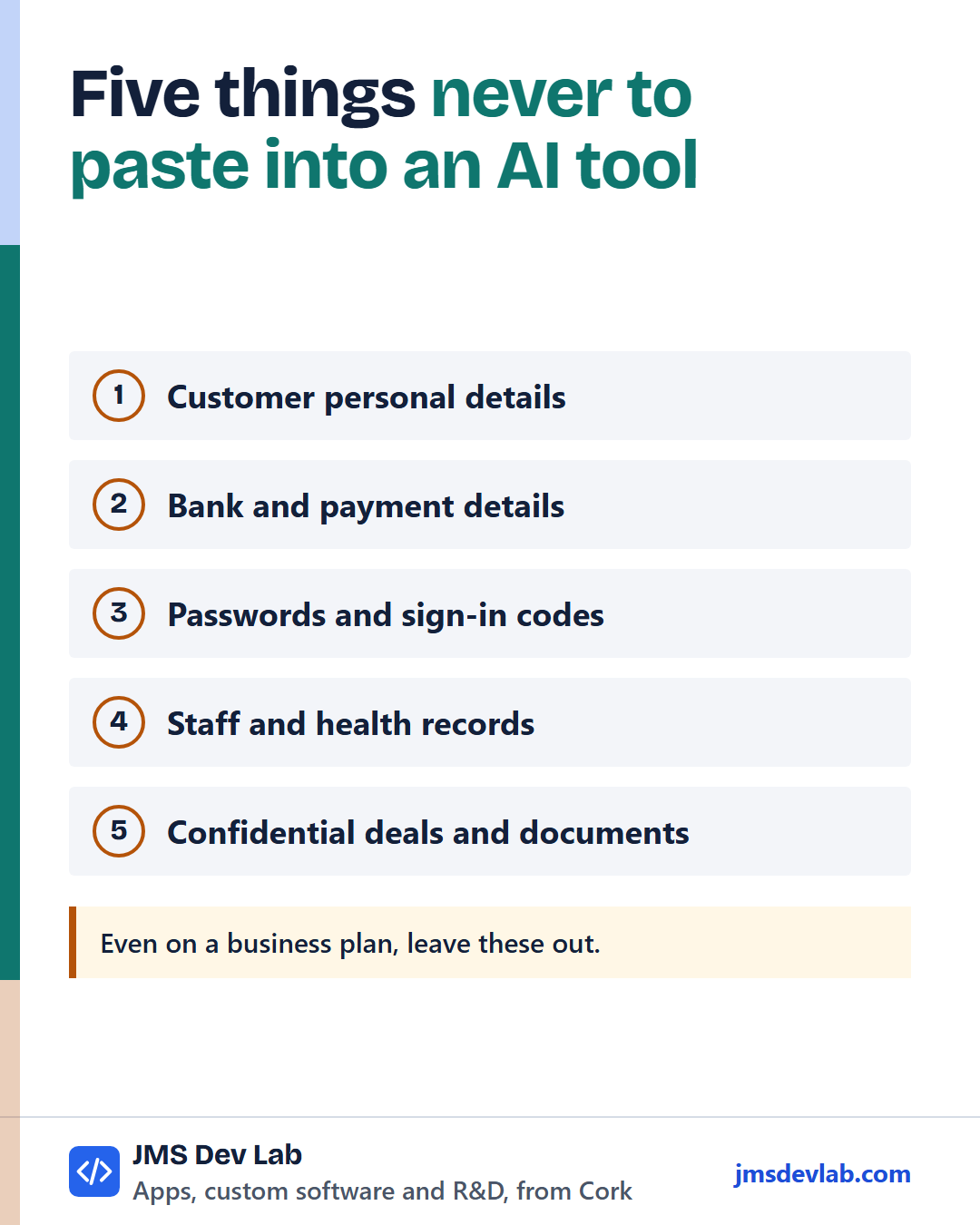
Five things never to paste into an AI tool
- Customer personal detailsNames with addresses, phone numbers, dates of birth, PPS numbers or ID documents.
- Bank and payment detailsCard numbers, IBANs, account statements or anything used to pay or get paid.
- Passwords and sign-in codesLogins, PINs, recovery codes or access keys, even “just to check”.
- Staff and health recordsHR files, absence or medical notes, pay details or disciplinary records.
- Confidential deals and documentsContracts, offers, prices or files you have agreed to keep private.
Use a business plan, not a free personal app, and check its data settings. Even then, leave these out or remove them first. This card is general guidance, not legal advice.
Questions about the office set-up
What does the small-office AI set-up cost?
€3,000 for an office of 2 to 5 people, excluding VAT: five days of our time over four weeks. Offices of 6 to 10 people are quoted in writing. Your software subscriptions are separate and paid by you directly.
What do you actually set up?
One calendar and one shared task list, all email addresses in one place, a business password manager, two-step sign-in, and an AI assistant on your own business plan with saved prompts for your common jobs.
Can the Grow Digital Voucher pay for this?
It is a strong fit. Grow Digital can pay half the cost of new off-the-shelf software and the training and set-up that come with it. Apply before anything is ordered or started, and check the details with your LEO.
Do you build custom software as part of this?
No. This package uses tools you can buy off the shelf. If a gap remains after four weeks, we can quote a small custom tool separately.
What happens after the four weeks?
It ends with a written check at four weeks and a one-page guide to how your office now works. Ongoing help is optional and only as a fixed monthly block.
Tell us how your office works today
How many people, which email and calendar you use, and what goes wrong most often. A few lines is enough.
We reply in writing within one working day with a plan, possible dates and a fixed quote. The training itself is live, in your room or online; everything before and after it is in writing.
Please leave out passwords and customer records.
Other ways we train
AI for your team: hands-on half day
€750 per group of up to 12
3.5 hours
AI for each role: full-day workshop
€1,250 per group of up to 12
A full day (about 6 hours of training, with breaks)
AI talk for a business network or event
€400 per talk, any audience size
45 to 60 minutes, plus questions